Games for cats on screen

Phone

Place your phone flat on a stable surface. Both orientations work; choose a large target on a small screen.
How to play

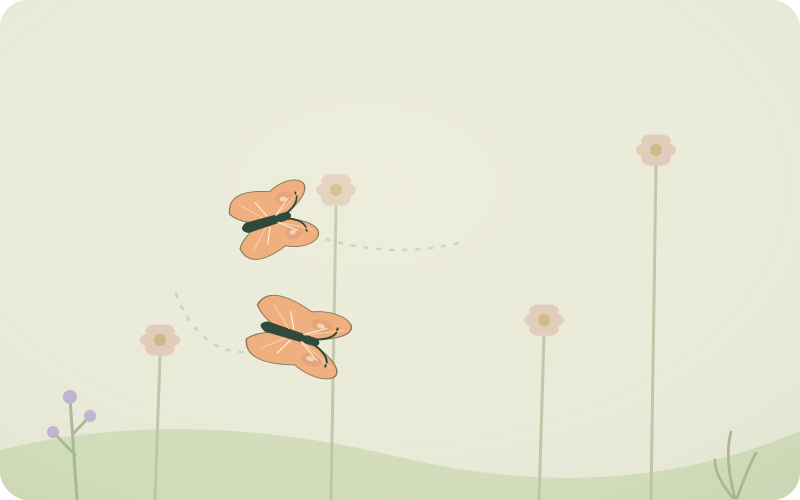
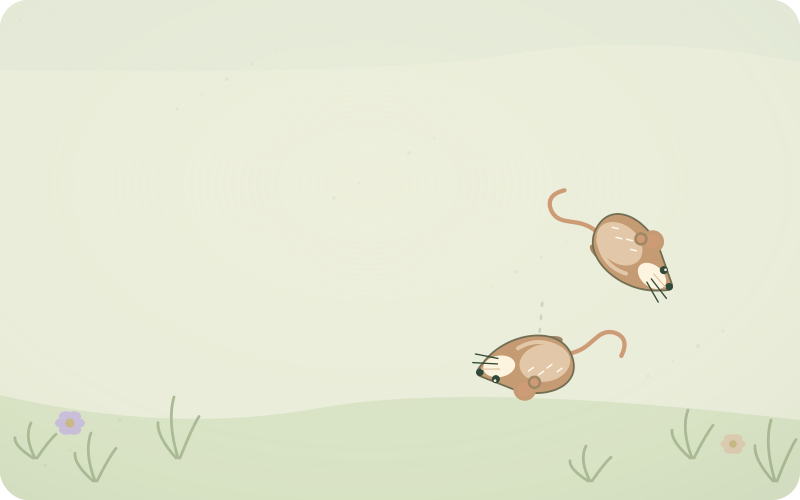
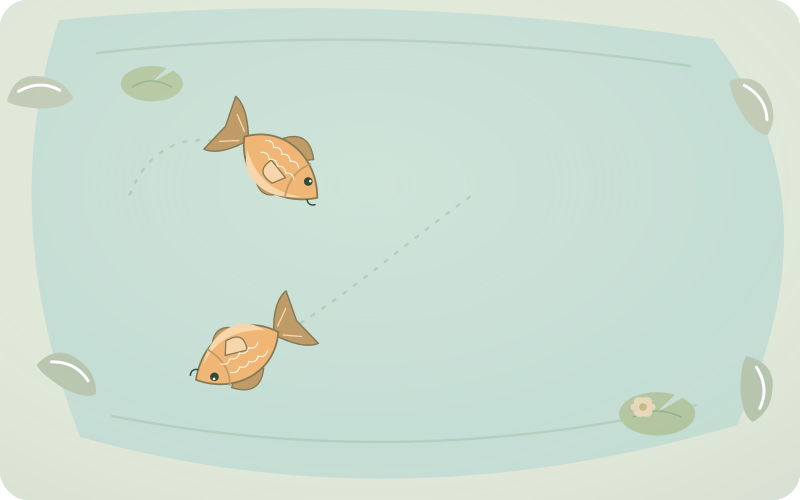
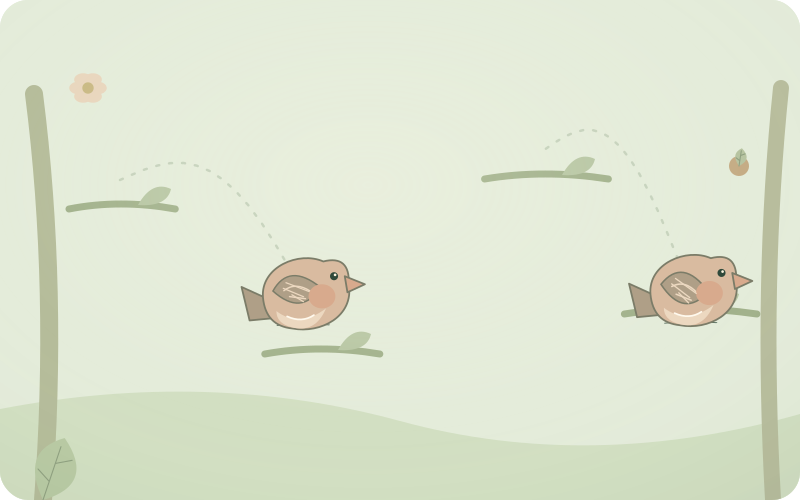
Begin with one large, slow target and two quiet minutes. Let your cat approach or walk away freely. Movement continues without touch. A hit makes the target react and return; there is no score or required gesture.

How to exit

Hold the top-left corner for 3 seconds, release, then hold the bottom-right for 3 seconds within 8 seconds. Or press Escape. On TV try Back. Fullscreen and keeping the screen awake depend on your browser. If refused, the game still works. Websites cannot block system gestures or notifications.

iPhone / iPad

iPhone/iPad: Settings → Accessibility → Guided Access. Set a passcode, open this page and triple-click the side, top or Home button. Keep screen touches enabled for paw play. To end Guided Access, use the device button and your passcode or biometrics. Steps vary by version.

Android

Android: enable App pinning in Security settings. Open the browser, open recent apps, select its icon and Pin. To unpin, follow your device’s gesture or Back/Overview instructions and unlock. Names vary by manufacturer.

First little steps

Ready for paws?

Start cat mode

Hear a quiet preview now. During the game, occasional scene sounds and hit sounds play automatically.

Sound is off

SettingsMedium speed · 2 min

Routes and pauses change automatically. Lower the speed if it is hard to follow.

How to exit

Hold the top-left corner for 3 seconds, release, then hold the bottom-right for 3 seconds within 8 seconds. Or press Escape. On TV try Back.

Saved on this device only

Language

Your language choice is remembered on this device.

Time for a real toy

The scene gently stops when time is up. Exit deliberately, then offer a real toy your cat can catch.